Three ways to add camera shortcuts to Samsung Galaxy S4 lock screen
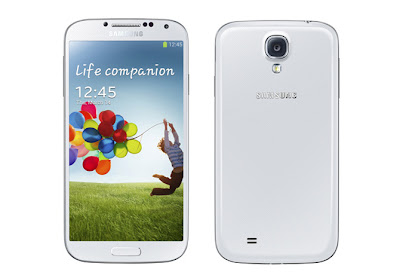
The Samsung Galaxy S4 packs a stonking 13-megapixel camera and the camera ships with a lot of awesome new smart features, such as Dual Shot, a Sound & Shot mode that puts audio in the background of still images,etc. Catch any moment to keep every memory is very easy with this device. But right out of the box you could be forgiven for thinking there's no way of unlocking the phone straight into the camera app. Like many of the Galaxy S4's advanced features, this is optional, and disabled by default. Enabling it is easy. Just follow these three different ways to add camera shortcuts to the Galaxy S4 lock screen in order to not miss any moment. The first method is simple enough -- from the Settings app, go to My device > Lock screen and enable "Shortcuts." From there you can customize which shortcut icons are shown down below on the lock screen, and loading one of these apps up is a simple as dragging it upwards. Naturally, one of the defaults is the camera ...